
iPhone & iPad
See your room in a new style, in seconds.
Photograph the room you already have. Pick a look. Get four finished interior designs you can keep, tune and share.
Free to download. Four designs free, then one a day. No account needed.
- 12 interior styles
- 4 designs per run
- No ads, no tracking

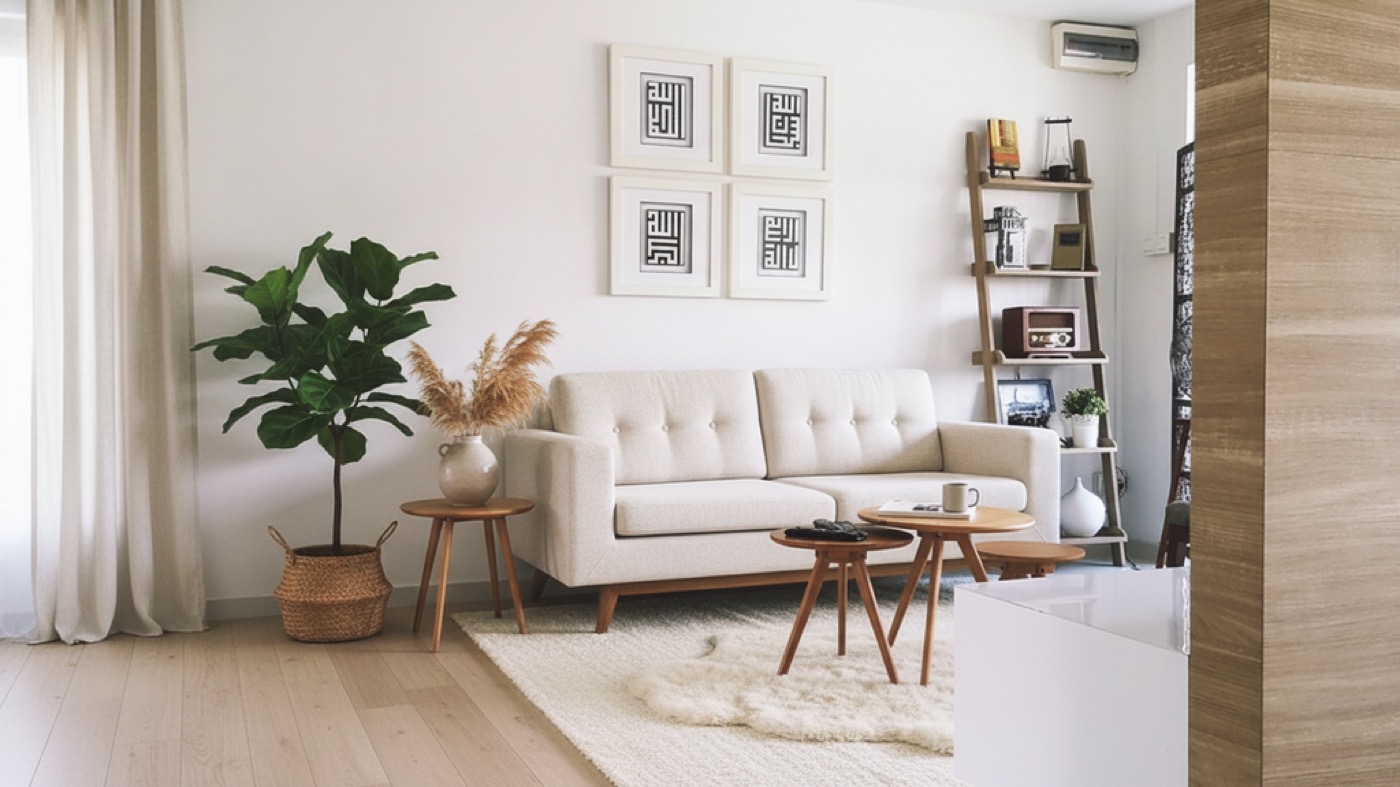
Real examples
Nine rooms, before and after.
Every pair below is the same room - the second image is the first one redesigned, not a different photograph. Drag any of them.

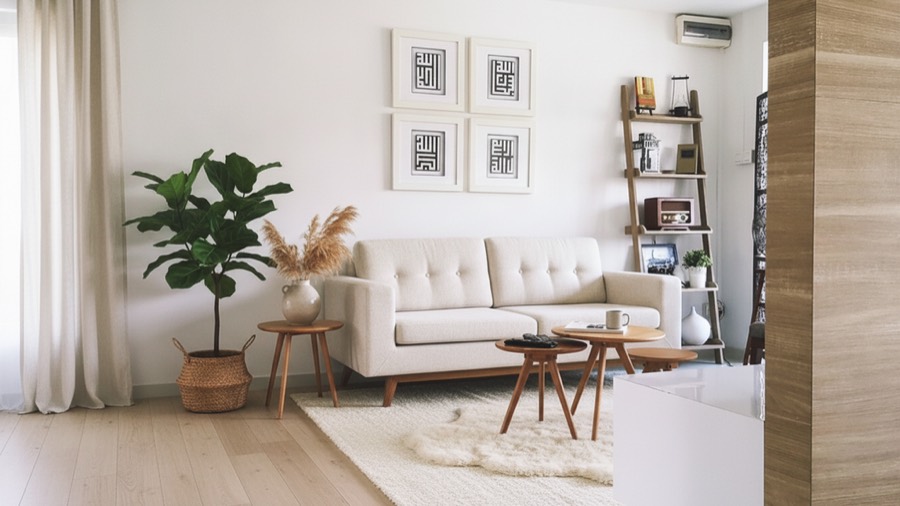

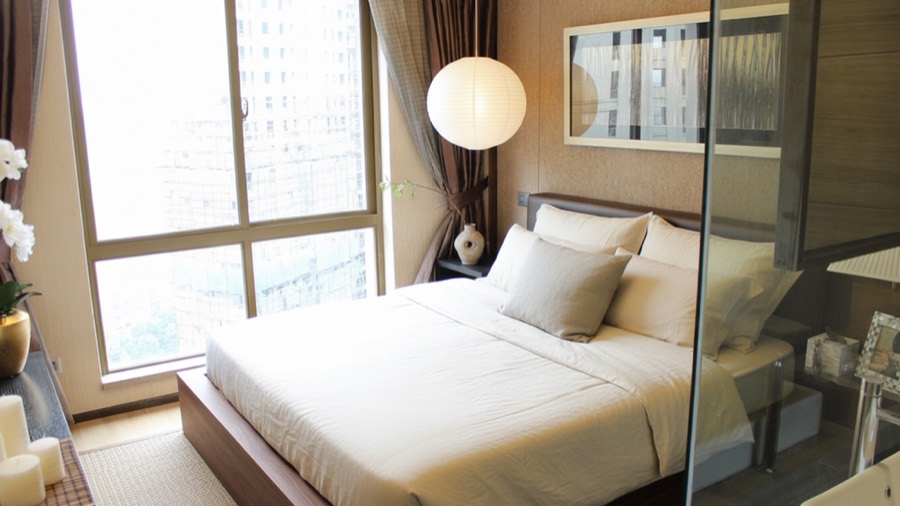

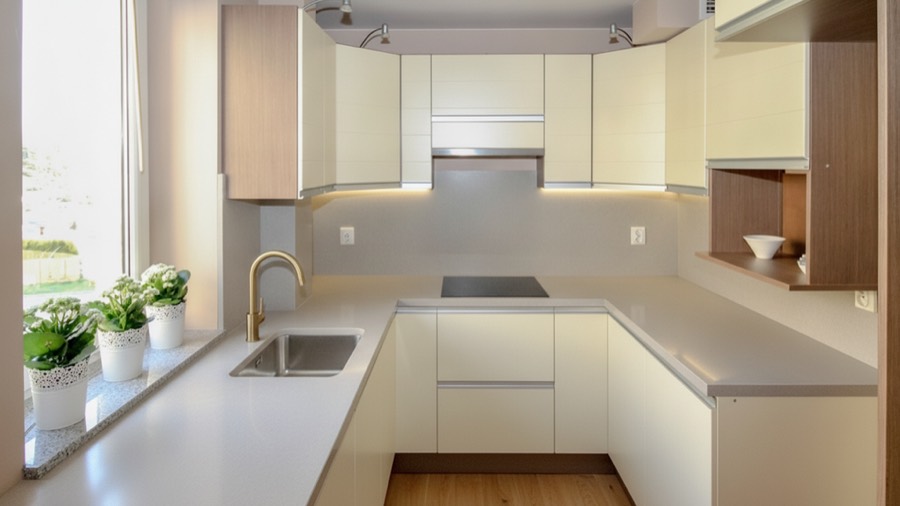

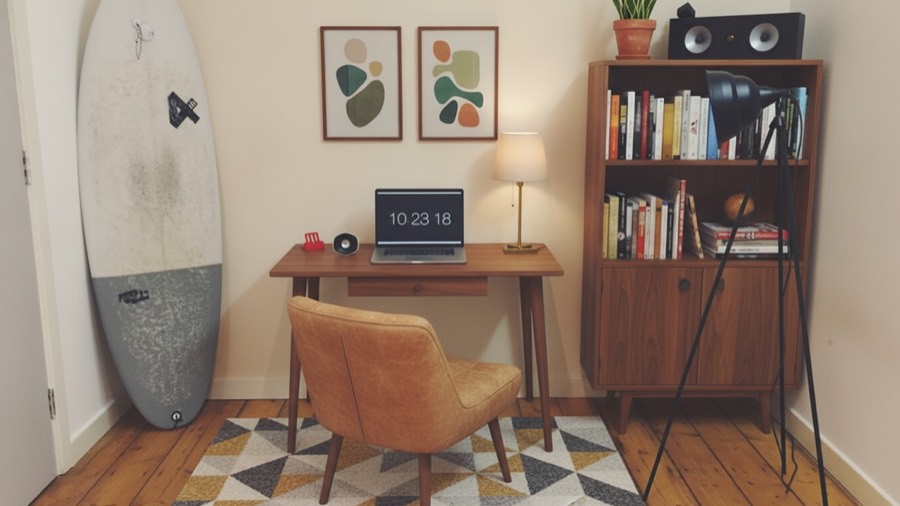

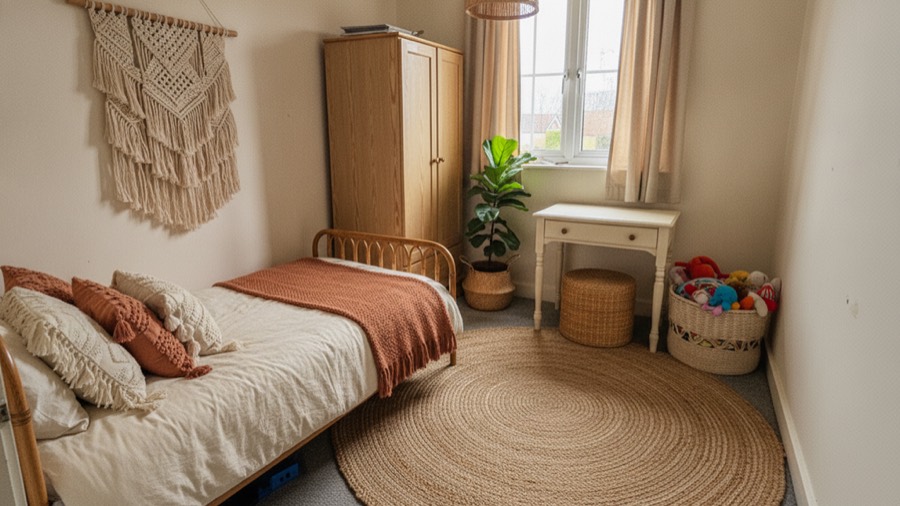

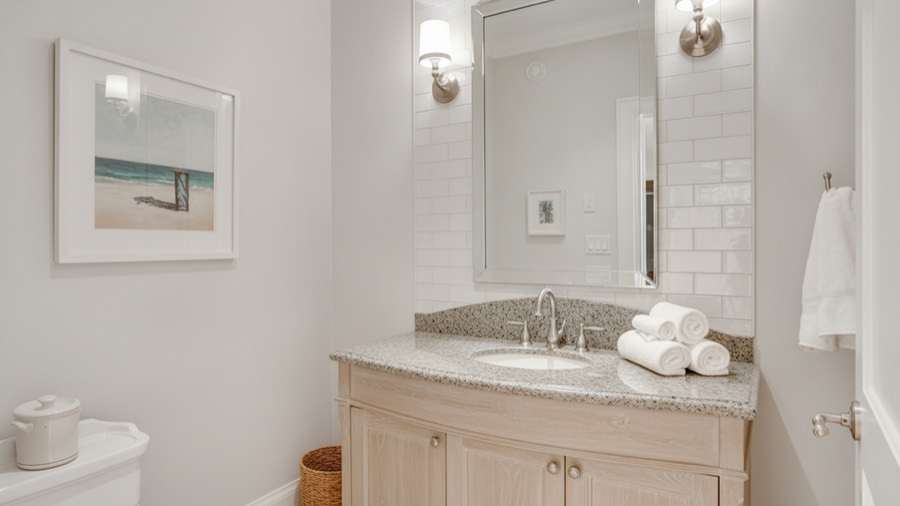

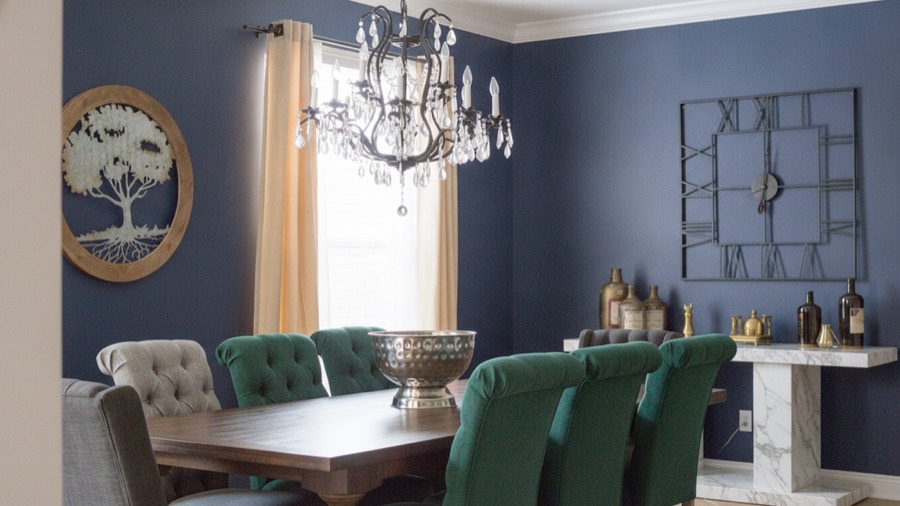

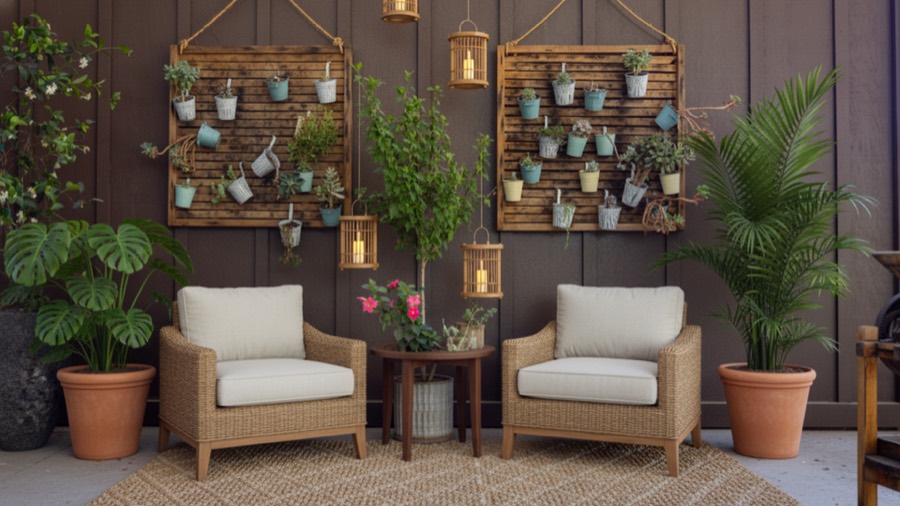

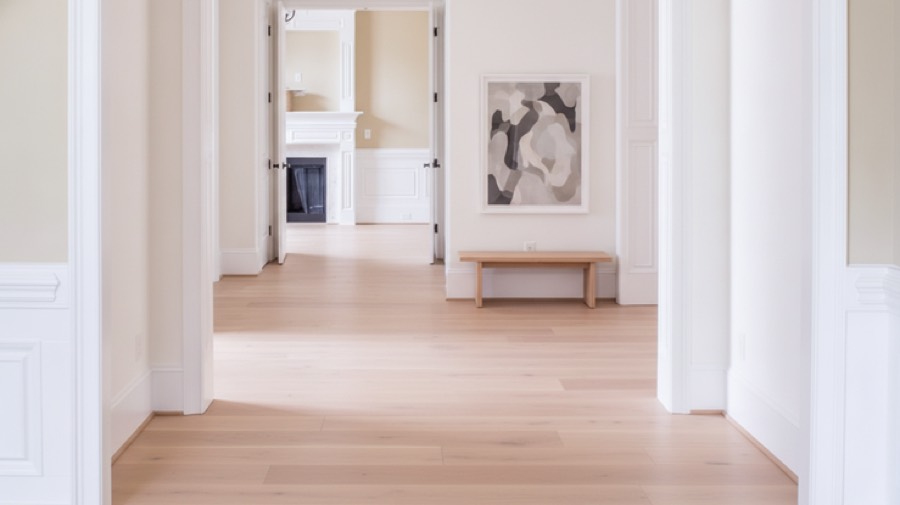
One photo, four designs
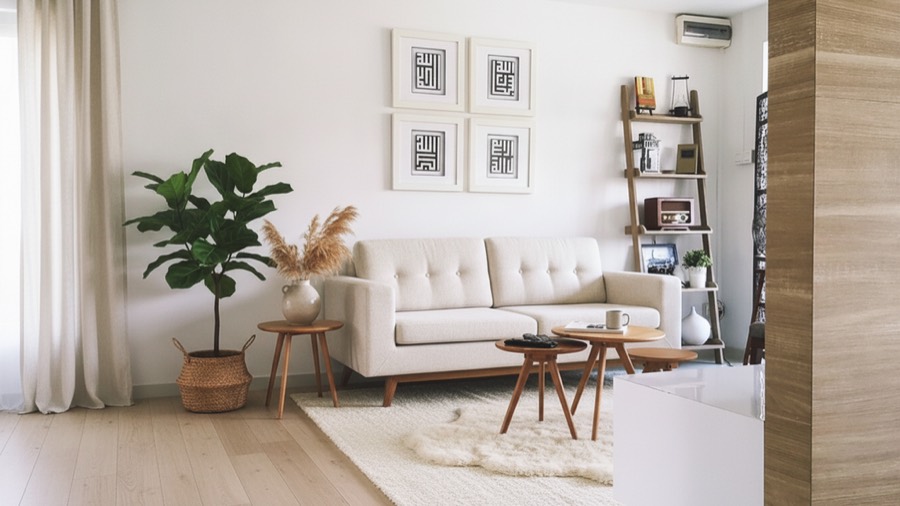
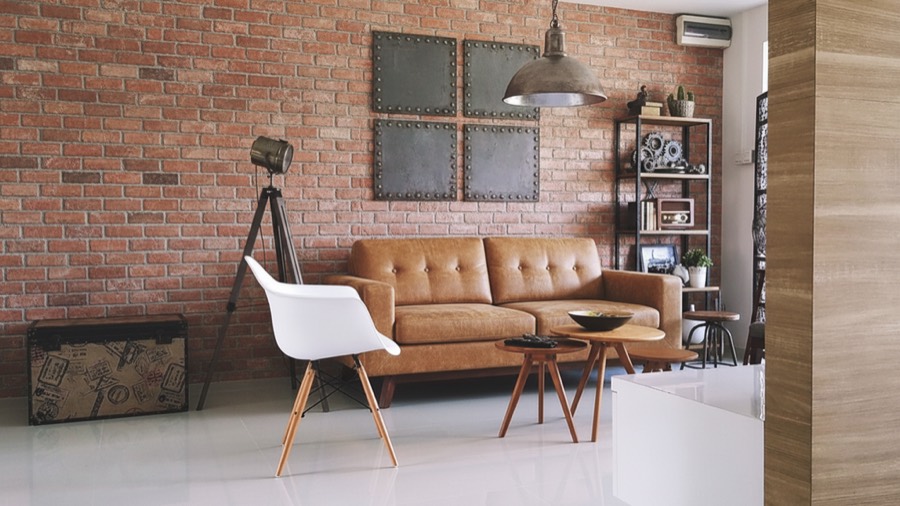
Every run gives you four, not one.
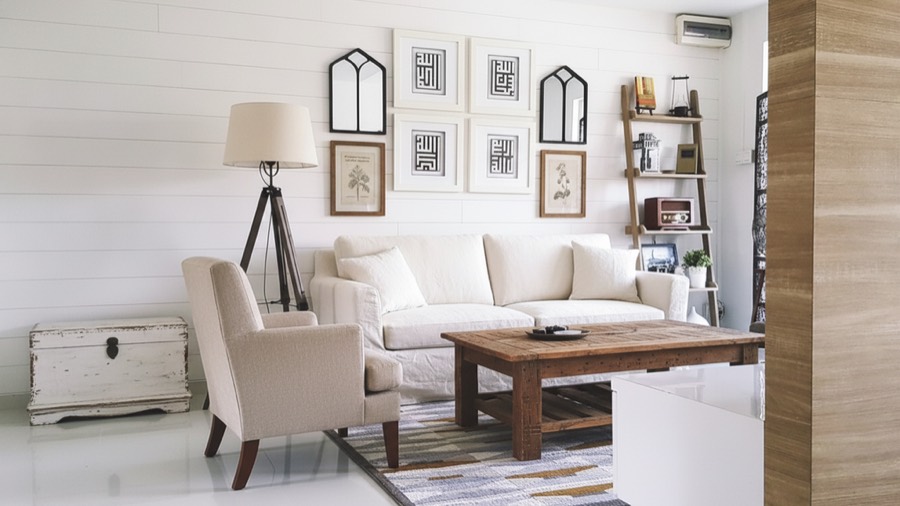
The same living room below, redesigned four ways from a single photograph. Same walls, same window, same camera - four directions to choose from.

How it works
Three steps, about a minute.
- 1
Photograph the room
Point your camera at the room you want to change. Any phone photo works - straight-on framing and daylight help most.
- 2
Choose a look
Pick one of twelve interior styles, then steer it with colour mood, material, room mood and furniture preference.
- 3
Get four designs
Four finished takes in seconds. Keep the ones you like, fine-tune them in plain language, save or share them.
Works on eight room types:
- Living room
- Bedroom
- Kitchen
- Bathroom
- Dining room
- Home office
- Kids room
- Other
Style library
Twelve looks, each with its own rules.
Every style carries its own palette, lighting and materials, so the same room reads completely differently across them.
 ModernClean lines, neutral colours, functional furniture.
 MinimalistOnly what matters, and a lot of light.
 ScandinavianPale oak, soft wool, quiet warmth.
 IndustrialBrick, black steel, honest materials.
 JapandiJapanese restraint meets Nordic comfort.
 BohoRattan, layered rugs, plants everywhere.
 Mid-CenturyWalnut, tapered legs, burnt orange.
 CoastalSea light, linen, driftwood tones.
 LuxuryDeep velvet, brass, low warm light.
 FarmhouseReclaimed beams, iron, lived-in calm.
 Art DecoBold geometry and confident glamour.
 TropicalMonstera, teak, filtered daylight.
Questions
Good to know.
What does AI Room Redesign do?
It turns a photo of a room into four finished interior design concepts. You choose the room type and one of twelve styles, optionally set colour, material, mood and furniture preferences, and the app returns four variations you can save, refine or share.
Do I need to be a designer to use it?
No. You choose a room and a style; everything else is optional. Most people get a usable result on the first attempt.
How many designs are free?
Four to start, with no card and no account required. After that you get one free design a day, and Pro produces four on every run.
How much does AI Room Redesign cost?
The app is free to download. You get four free designs to start and one free design a day after that, with no card and no account. An optional Pro subscription removes the limit; the current price for your country is shown in the App Store and inside the app before you confirm anything.
Can I change a result I almost like?
Yes. Describe the change in plain language - brighter, warmer, moodier, greener - or use a one-tap edit for colour, furniture, plants, style or lighting. You preview the change before keeping it.
What rooms does it support?
Living room, bedroom, kitchen, bathroom, dining room, home office, kids room, and a general option for anything else. The furniture layout adapts to the room type.
Which interior styles are included?
Modern, Minimalist, Scandinavian, Industrial, Japandi, Boho, Mid-Century, Coastal, Luxury, Farmhouse, Art Deco and Tropical. Each has its own palette, lighting and material treatment.
Does it work on iPad?
Yes. The iPad layout is native, with a permanent sidebar rather than a stretched phone screen. It requires iOS or iPadOS 26.
Does the app collect my data?
There is no account to create, and the build contains no advertising or analytics SDKs. Photo library access is requested only when you pick a photo, and add-only access when you save a design.
Is this a replacement for an interior designer?
No. The designs are visual concepts for exploring direction and taste. They are not construction documents and should not be the sole basis for building or purchasing decisions.
Guides
How to get a room right before you spend anything.
 1 August 2026
How to photograph a room so an AI redesign actually looks right
The nine framing, lighting and lens habits that decide whether an AI room redesign looks like your room or like someone else's.
1 August 2026
How to photograph a room so an AI redesign actually looks right
The nine framing, lighting and lens habits that decide whether an AI room redesign looks like your room or like someone else's.
 28 July 2026
AI interior design in 2026: what it genuinely does, and what it cannot
An honest scope for AI interior design tools: strong at taste and direction, useless at measurements, structure and budgets. Where the line falls, and why.
28 July 2026
AI interior design in 2026: what it genuinely does, and what it cannot
An honest scope for AI interior design tools: strong at taste and direction, useless at measurements, structure and budgets. Where the line falls, and why.
 24 July 2026
Japandi vs Scandinavian: how to tell them apart, and which suits your room
Japandi and Scandinavian share a palette and get confused constantly. The differences are in contrast, height, craft and how much empty space each one tolerates.
24 July 2026
Japandi vs Scandinavian: how to tell them apart, and which suits your room
Japandi and Scandinavian share a palette and get confused constantly. The differences are in contrast, height, craft and how much empty space each one tolerates.
Also from us
AI Home Editor
AI Room Redesign restyles the room you already have. AI Home Editor is for the step before that: sketch walls with one finger, furnish to scale, and walk the result in 3D.
Coming to the App Store
Your room already has potential.
Bring a photo. We will show you four ways it could look.
Free to download. Four designs to start, then one a day. iPhone and iPad, iOS 26 or later.